Astute FF Beta Settings for Different Phone Sizes
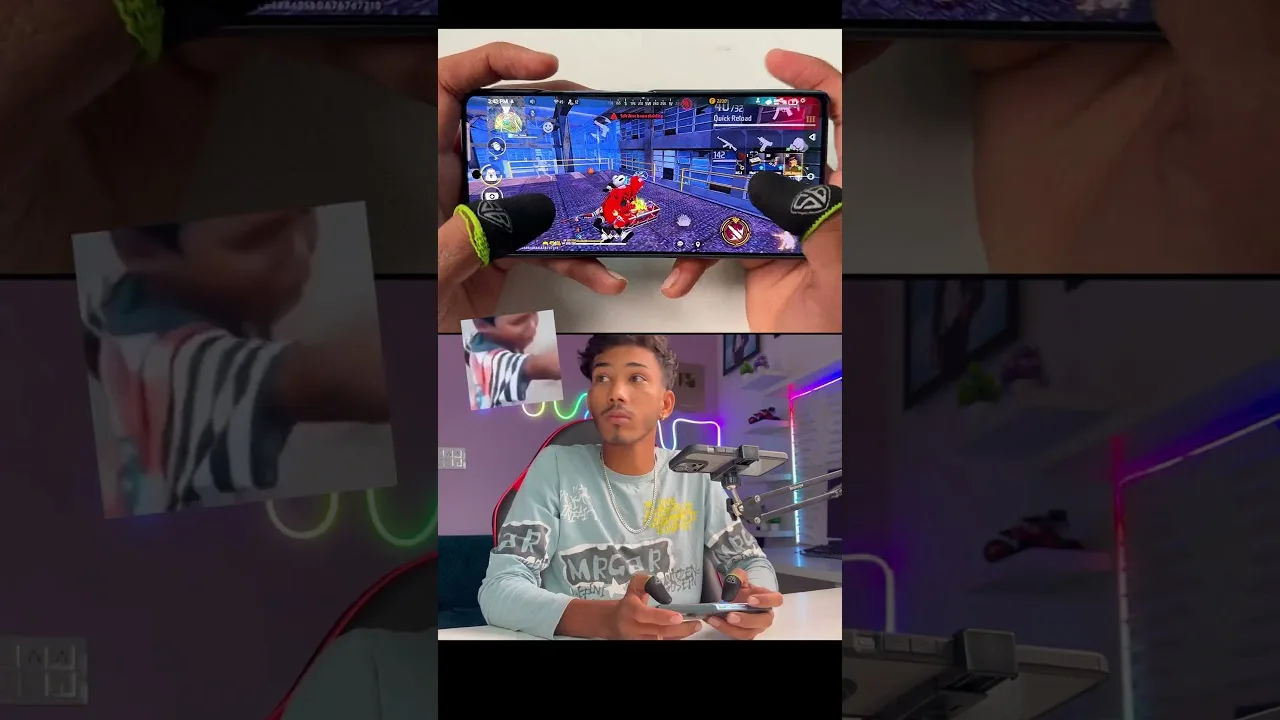
Phone size changes how Astute FF Beta feels more than most players realise. The same sensitivity and DPI values behave differently on a compact screen and a large one, because your thumb travels different distances and the interface scales differently.
This guide breaks the setup down by small, standard and large phones, so you can start from values that make sense for your screen instead of copying numbers tuned for a device you do not own. Keep your current backup from Astute FF Beta APK download settings before you begin adjusting.
Why Screen Size Changes Everything
On a small screen, a short swipe covers a large share of the display, so turning feels fast even at moderate sensitivity. On a large screen, the same swipe covers proportionally less, so players often need higher sensitivity or a longer, more deliberate thumb motion.
Layout matters just as much. Buttons that sit comfortably in reach on a compact phone can feel far away on a large one, especially the fire button and scope controls. Any honest setup guide must treat aim settings and layout as one combined problem per screen size.
Small Phones: Control Over Speed
If your phone is compact, your main risk is overshooting. Start with moderate sensitivity and raise it only when turns genuinely fall short. Small screens also make high DPI risky, because interface text shrinks quickly and scoped views can feel twitchy under your thumb.
Keep the layout simple and close to the edges your thumbs naturally rest on. Check that the app still runs comfortably on your device using the Astute FF Beta device compatibility guide, since many small phones are also budget phones with performance limits to respect.
Standard Phones: The Balanced Starting Point
Most guides, videos and shared setups are tuned on standard-sized phones, which makes them a reasonable starting range if your device sits in the middle. Even then, treat shared numbers as a beginning: your grip, case and hand size still make your ideal values personal.
Players on standard phones can usually explore DPI changes a little more freely than small-phone users, because text stays readable and there is room for the interface to breathe. Change one setting at a time and test in training as always.
Large Phones: Reach and Longer Drags
Large phones reward slightly higher general sensitivity, because your thumb must move the view across more physical space. Drags for headshots are longer too, so practise the full motion in training rather than assuming a compact-phone flick will land in the same place.
Button layout deserves special attention at this size. Move key controls inward from the extreme corners if your thumbs strain to reach them, and retest after every layout move. The section overview in the Astute FF Beta main sections guide helps you plan which controls you actually need within easy reach.
Tablets and Very Large Screens
Tablets change the game again: two thumbs cover a huge display, movements are slower, and many players use a different grip entirely. Sensitivity usually needs to rise, while DPI changes are rarely necessary because the interface already has space to spread out.
If you play on both a phone and a tablet, keep separate written settings for each. Forcing one setup across both devices guarantees that at least one of them always feels wrong, and separate notes cost only a few minutes to maintain.
Grip, Case and Hand Size
Two players with identical phones can still need different settings because their hands differ. A thick case adds distance between thumb and screen edge; a two-finger grip behaves differently from a claw grip. Set up your phone the way you actually hold it in matches.
Test with your real case on, your real grip, and after your hands are warm from a few minutes of play. Settings chosen under perfect conditions at a desk often disappoint in the conditions of an actual evening session on the sofa.
Switching Between Two Phones
Some players keep an older phone as a spare or play on a family member's device from time to time. In that situation, do not try to make both phones feel identical, because they will not. Instead, give the spare phone its own simple, slightly conservative setup that you can pick up and use without a long adjustment period at the start of every borrowed session.
Write both setups on the same settings card, clearly labelled by device, and note which phone each set of screenshots came from. Confusion between two devices' backups is a surprisingly common way to ruin a good setup on both of them at once. Clear labels, a few minutes of training on the spare, and modest expectations will make the second phone feel familiar much faster than chasing a perfect match.
Do not overlook landscape comfort over a full session. A setup that feels perfect in a three-minute test can still fail you if your hands cramp, your little finger aches from supporting the phone's weight, or the device slowly slips in your grip during longer matches. Judge size-related settings after a complete session, not a quick drill, and adjust layout positions for endurance as well as speed. Comfort is a performance setting on any screen size, even if no menu in the app calls it by that name.
Final Thoughts
Match your Astute FF Beta settings to the screen in your hands: gentler values and simple layouts for small phones, balanced ranges for standard phones, and higher sensitivity with reach-aware layouts for large phones. Size-aware tuning is one of the fastest honest improvements most players can make.